
Introduction
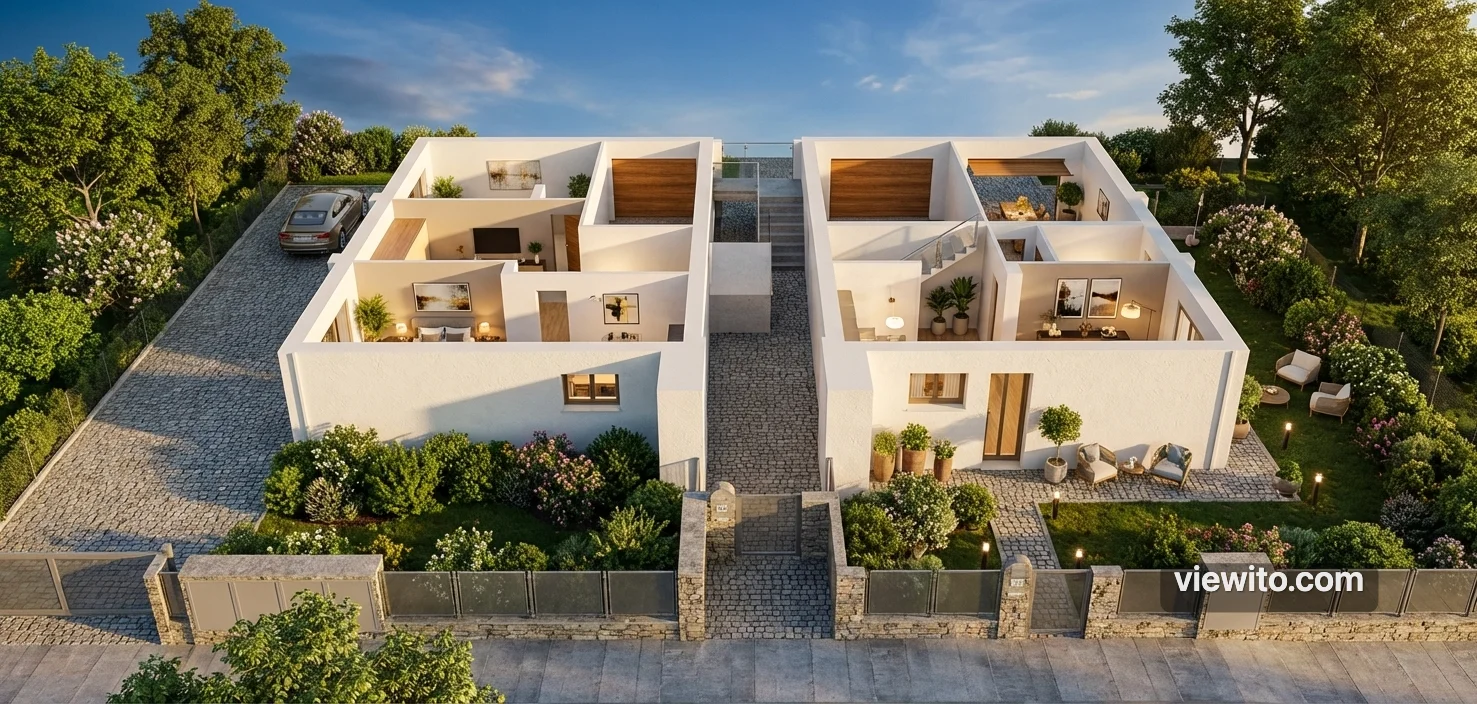
When the scene is ready, the final presentation is won on images. Viewito offers two rendering engines: path tracing and AI rendering.
How it works
Path tracing simulates light physically with quality presets (Draft/Medium/High/Ultra), denoising and PNG/JPG export at high resolution. AI rendering captures a screenshot of your scene and turns it into a photorealistic image in seconds, keeping the same framing.
What it's for
It lets you produce catalogue, brochure or commercial images without an external rendering studio: you save time and cost, and get professional results.
Usage instructions
Generate a render
- Complete the scene and choose the best view.
- For path tracing: choose the quality and start, then wait for denoising.
- For AI rendering: start, and the screenshot becomes a photorealistic render.
- Export to PNG or JPG at the desired resolution.
- Compare before/after to choose the best result.
Use case
You need to create the commercial material of a fair: you generate an AI render of the full pavilion in seconds and use it for the brochure and website. For a top-quality image you also run a high-resolution path trace for the cover.
Want to try this on your space? Request an Expi4D demo.