
+4
4 walls
Draw the floor plan with the 3D editor
From digital modelling to crowd simulation: every tool is designed to plan, present and sell complex spaces.
Viewito is the cloud 3D design studio: design and furnish complex spaces (halls, stands, rooms, properties) directly in the browser, with over 2,600 components and photorealistic AI rendering in seconds. Expi4D is the pre-designed interactive 3D viewer to present and sell these spaces at fairs, events, hotels and large real estate.
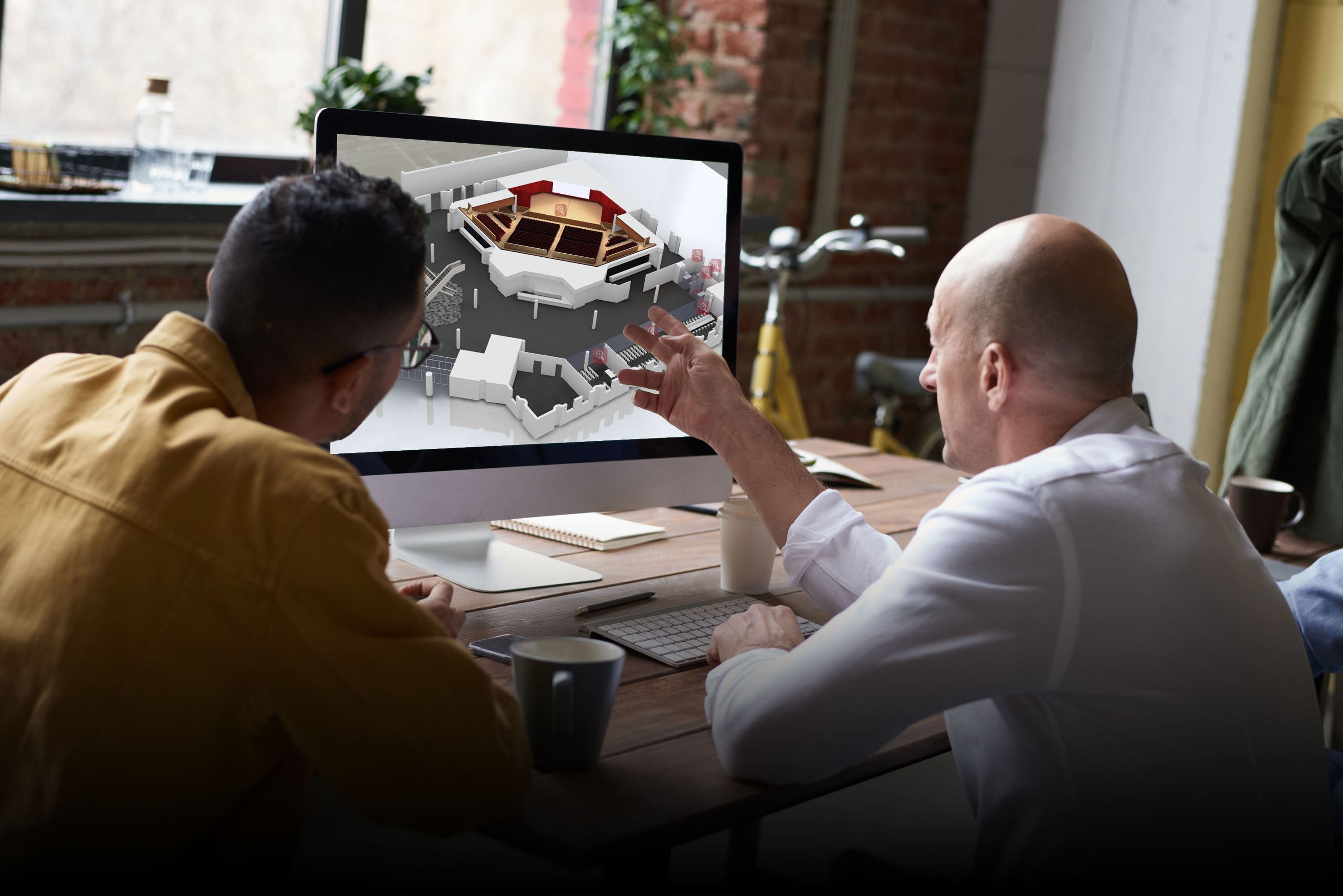
We build complete, detailed digital representations of your spaces, accessible at high fidelity from any browser and device.
Every model is built from real surveys and data, then optimised to be explored smoothly on desktop, tablet and smartphone. Users navigate the space first-hand, follow customisable guided tours and switch with one click from immersive 3D views to 2D floor plans and technical CAD projections — always keeping context.

Edit objects, furnishings, stands and signage in real time. Create unlimited layouts and share them with clients and teams.
Organisers edit stands, furnishings and signage without depending on anyone: move objects, duplicate layouts and save unlimited versions to share with the team or with clients. The crowd simulator assesses the impact of every layout on people flow before anything is built.

Manage exhibitors, spaces and editing privileges, with programmes, interactive calendars and granular public/private sharing.
From the interactive map, exhibitors find their stand, manage their own content and update information independently. Organisers assign granular editing privileges, publish programmes and calendars with day/hour search, and integrate videos, presentations, galleries and downloadable documents. A single environment to coordinate every aspect of the event.

Surveys, heatmaps and interaction statistics show you how visitors move, to optimise future events and spaces.
Heatmaps and interaction statistics show where visitors concentrate, which areas draw the most interest and how flows move. The collected data feeds customisable reports and drives decisions for future events and spaces, increasing the value and return of every edition.
Accessible paths, audio descriptions and dedicated tours. Full support for hybrid physical and virtual events on one platform.
Accessible paths, audio descriptions and dedicated tours make the space usable by everyone, including people with visual or mobility disabilities. The single platform for hybrid events engages physical and remote attendees at the same time, multiplying reach without giving up the immersive experience.

Custom APIs, ad-hoc functions and integration with your systems. Complete technical support, even 24/7 during events.
Every event has its own systems: that's why Expi4D integrates with CRMs, event-management platforms and existing business tools through custom APIs and ad-hoc functions. Technical support is complete and continuous, with dedicated assistance 24/7 during events.
A video that shows you the workflow, in the site language. Available in Italian, English and German.
An interactive kiosk for your events: visitors explore floor plans, exhibitors and routes in 3D right on touch screens, with search and directions within everyone's reach.
Model, visualise and share 3D projects right from the browser, no installation. AI turns your drafts into photorealistic renders in seconds.
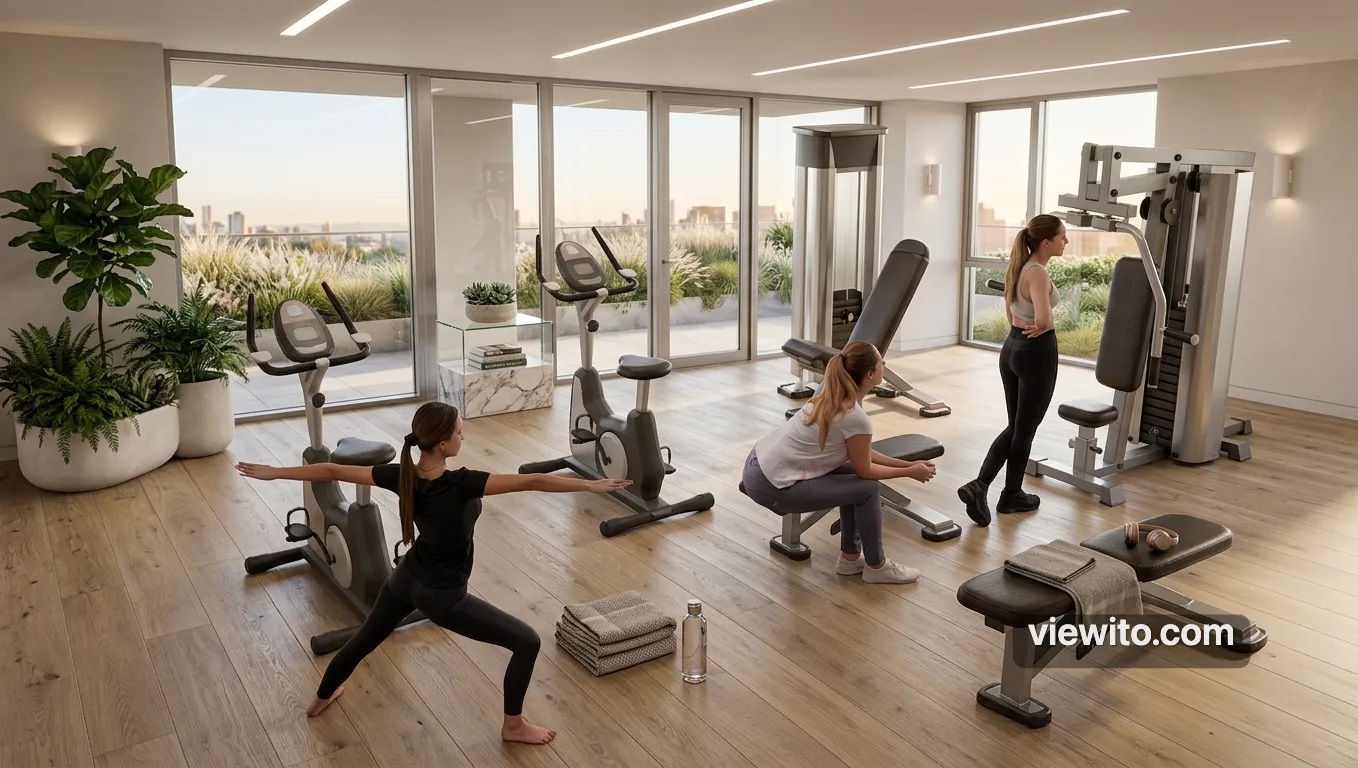
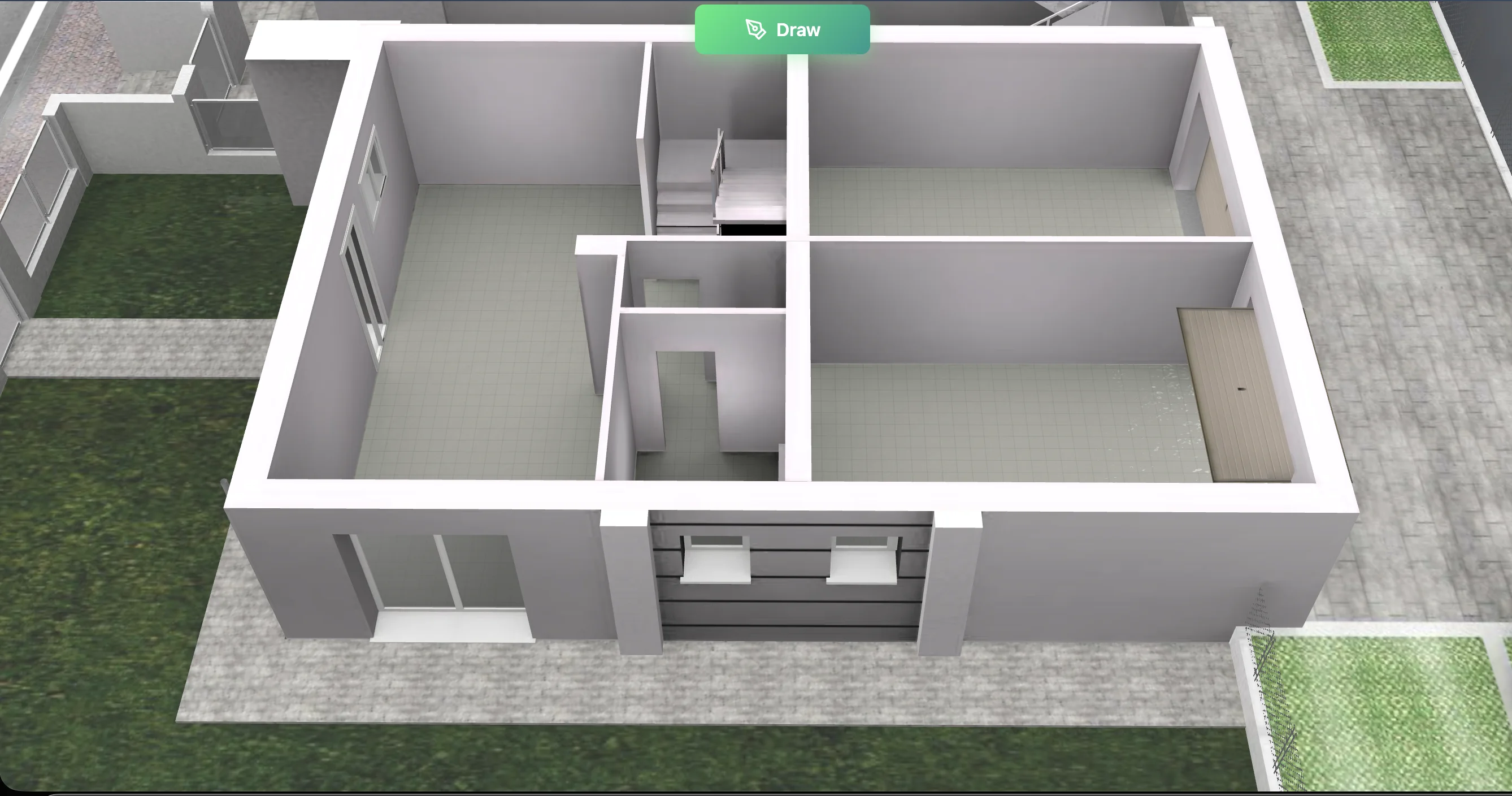
4 walls, 4 items, 2 people: artificial intelligence turns your scene into a professional-impact image in seconds.
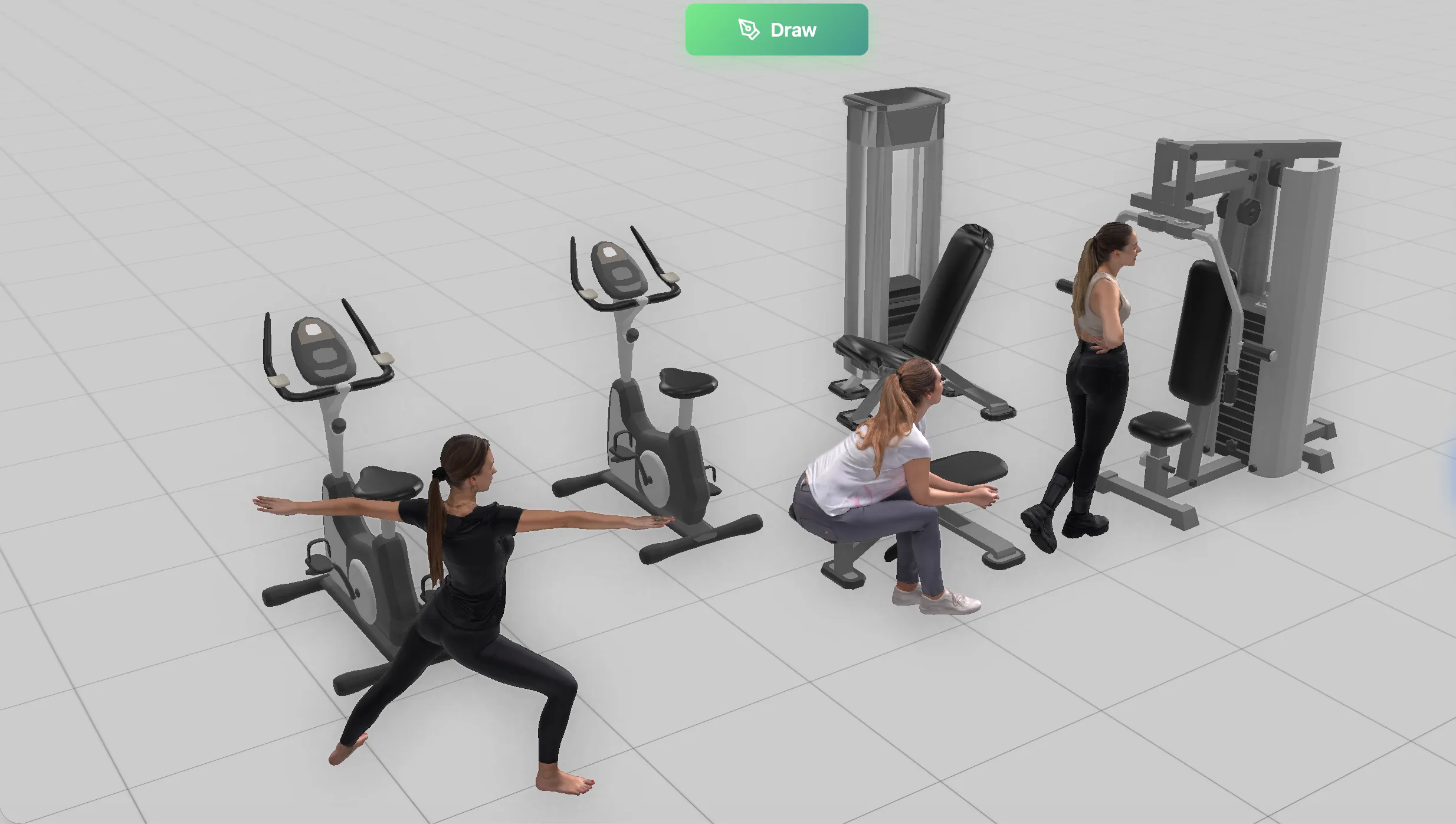
Draw the floor plan with the 3D editor
Pick from 2,600+ components by drag & drop
To give scale and real life to the scene
A professional-impact image in seconds
No waiting. AI processes the scene in real time.
If you can draw on paper, you can use Viewito.
Light, shadows, atmosphere: all handled by AI, up to 4K.
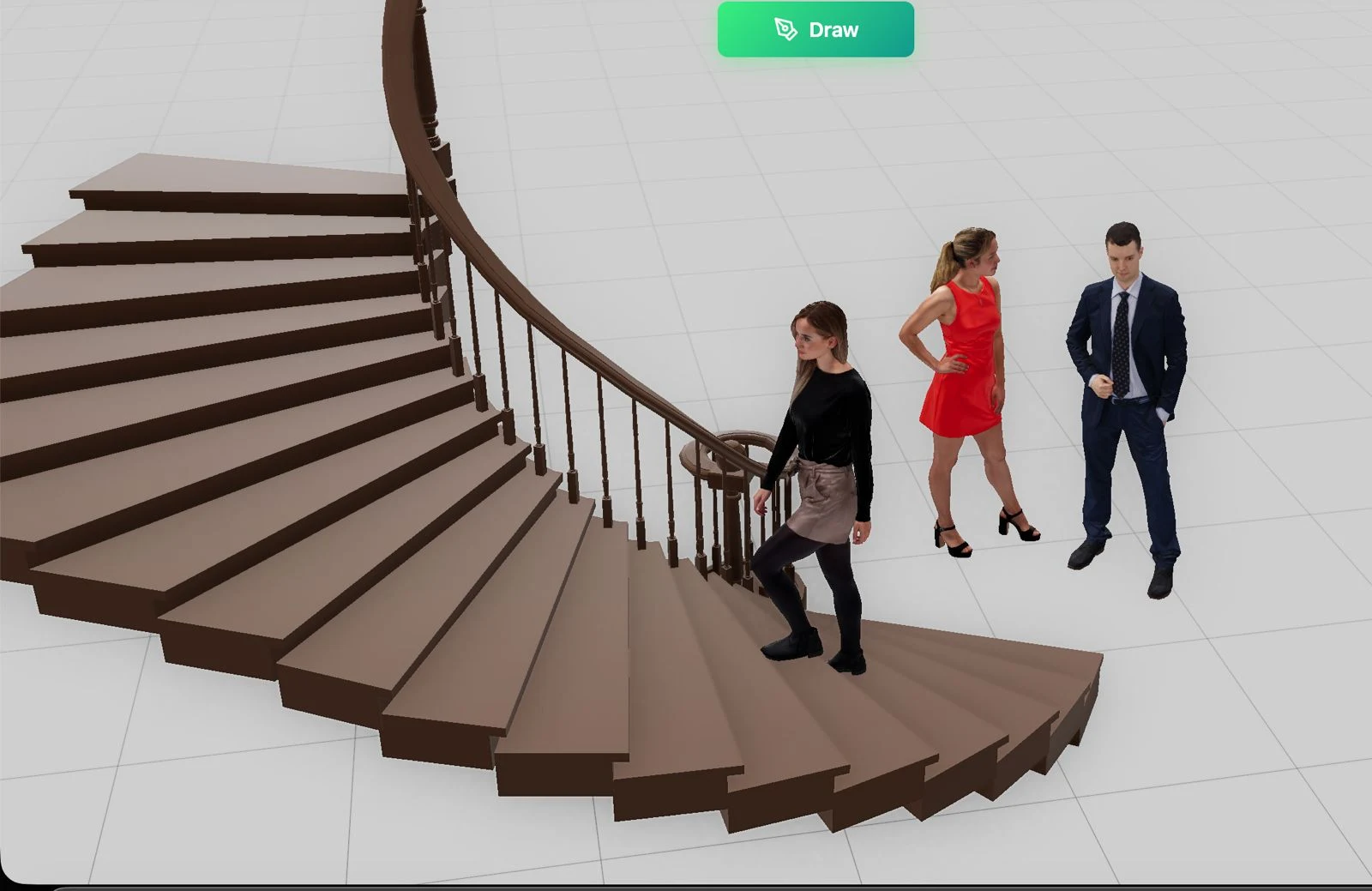
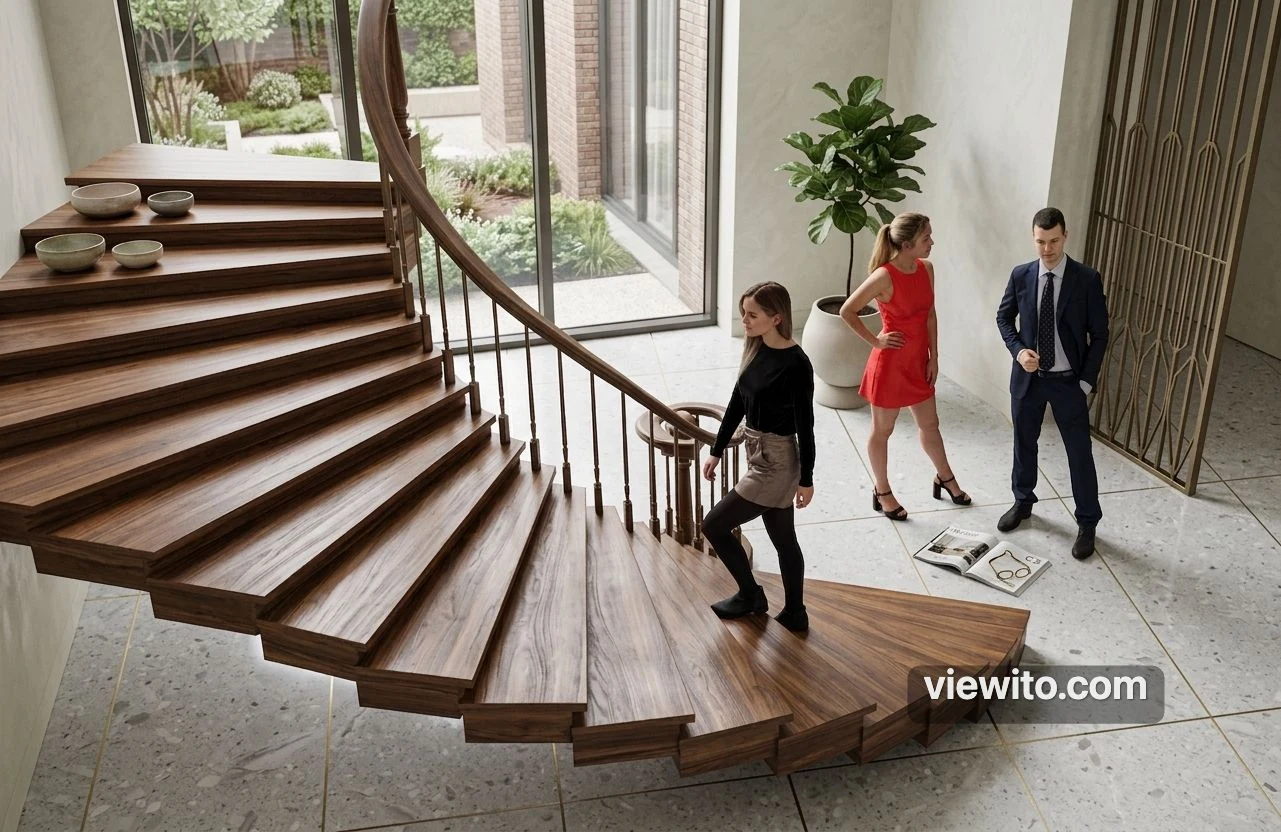
From 3D floor plan to a professional sales render.
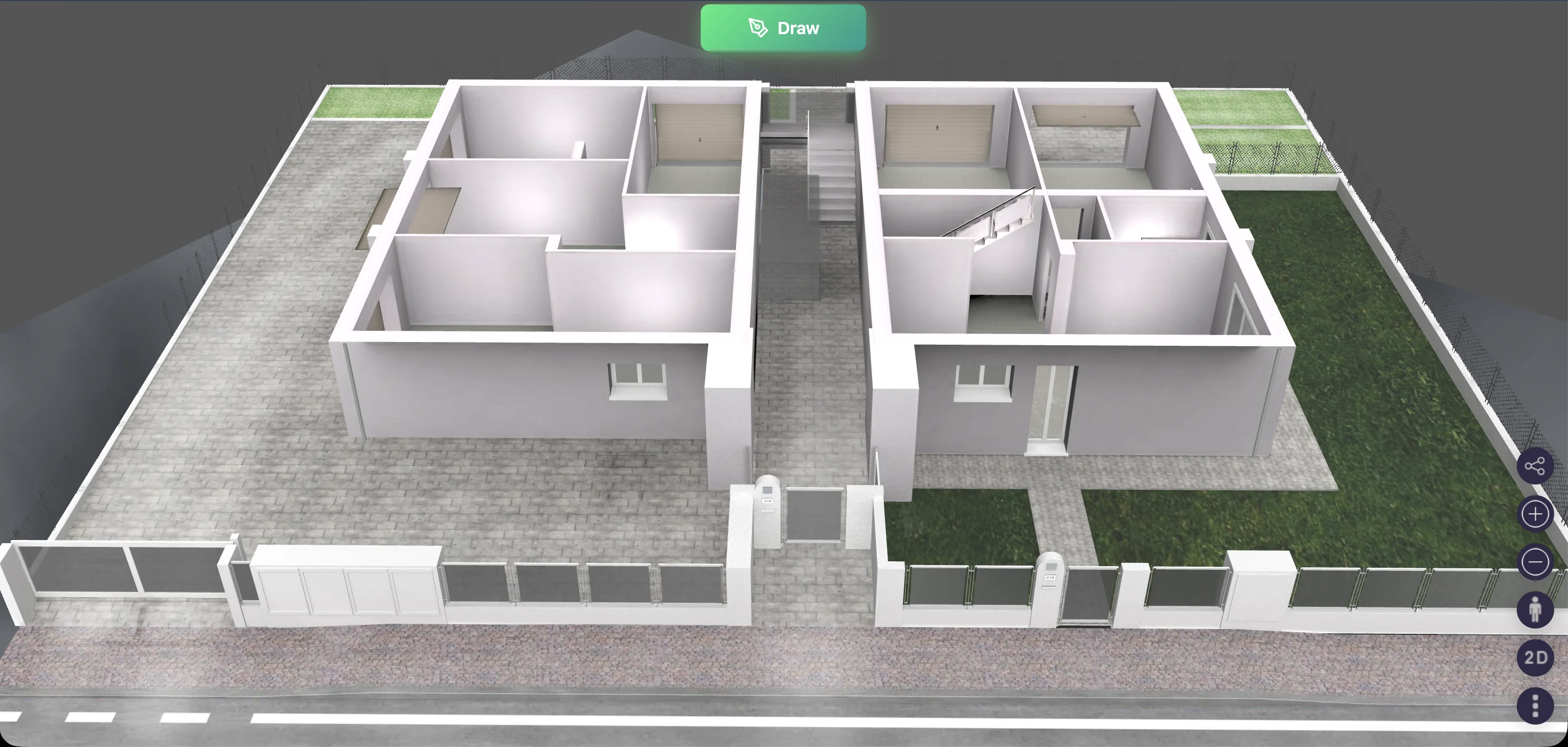
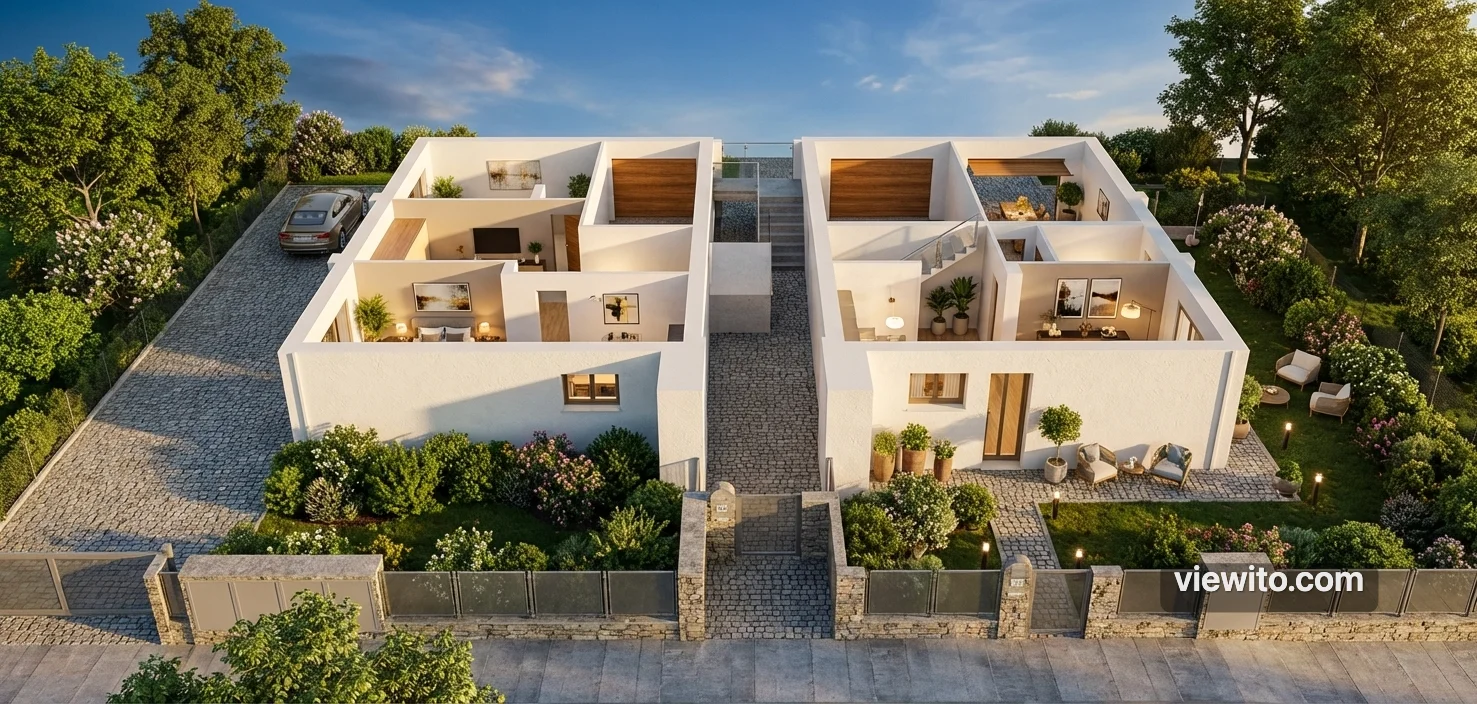
Virtual home staging with furnishings and atmospheric lighting.
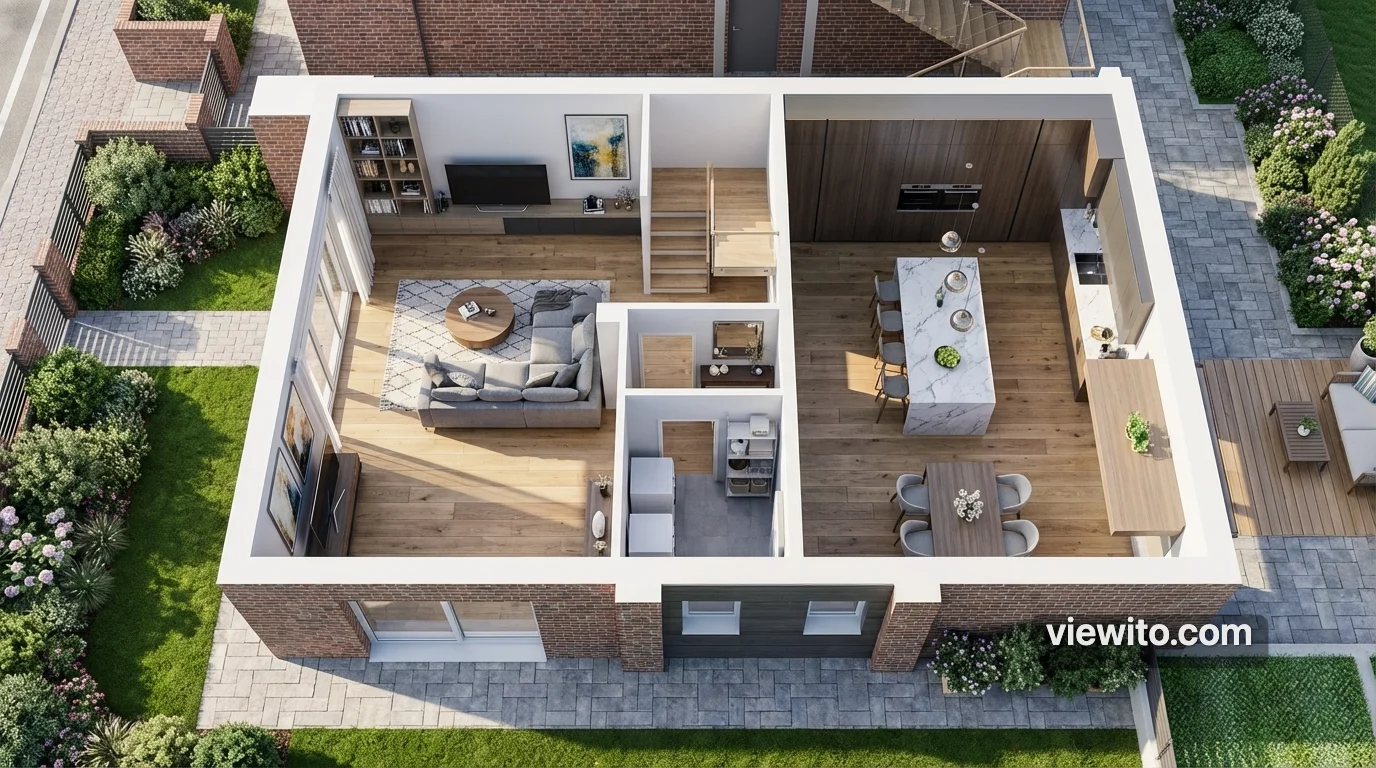
Visualise entire properties and commercial spaces, investment-ready.
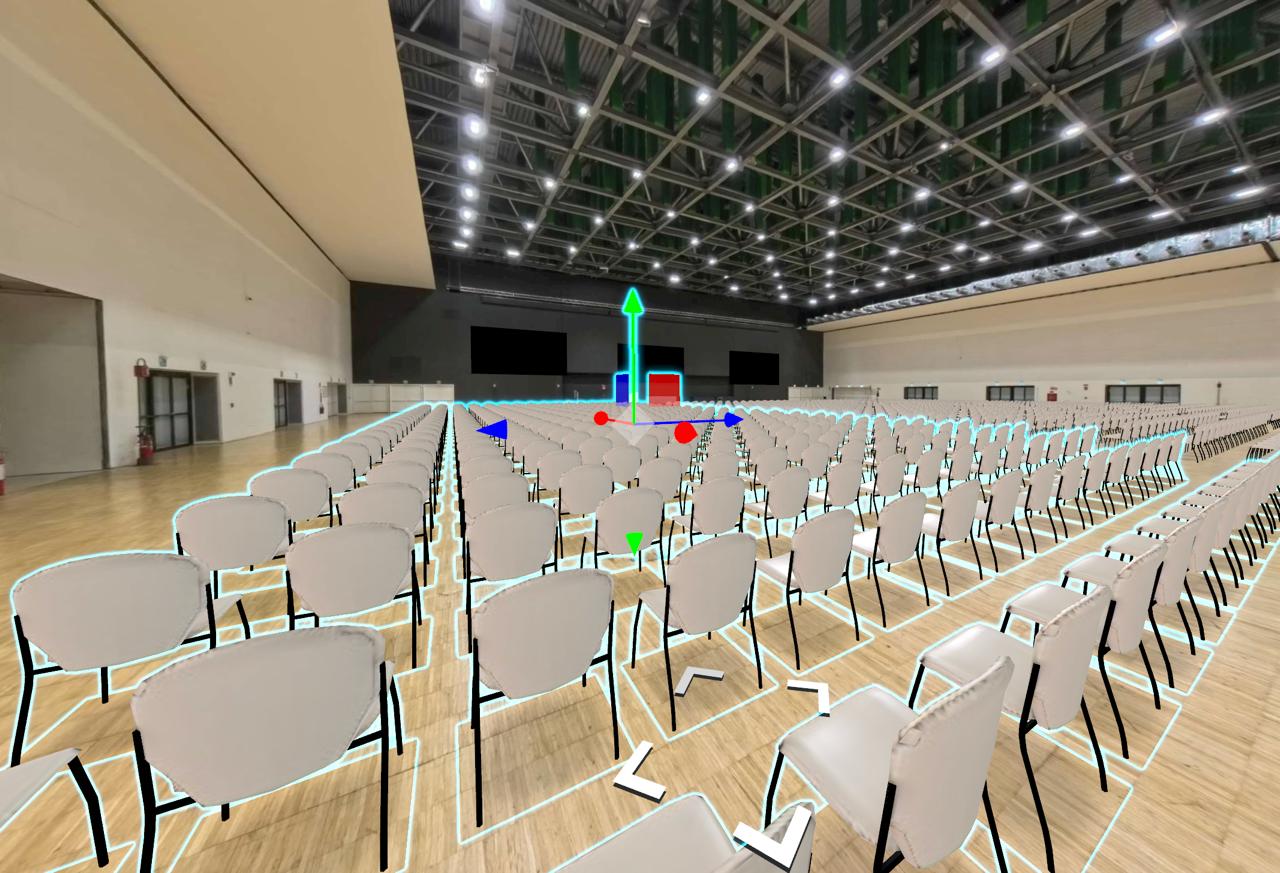
Materials, lights and shadows computed to look real: in this virtual tour space the chairs are CGI and impossible to tell apart from reality.
Parametric editor with over 2,600 components. Create walls, furnishings and complex layouts in the browser.
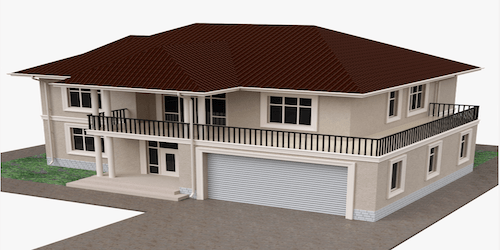
A powerful yet intuitive parametric editor, built for people who don't want to install heavy software. Draw walls, place furnishings and build complex layouts by drag & drop, across multiple levels, from a single room to an entire building.
A library of photorealistic materials: wood, marble, metal, fabric. Physically-based rendering for light.
A library of photorealistic materials organised by category — wood, marble, metal, fabric, glass, stone — with Physically Based Rendering that faithfully reproduces how light interacts with every surface. You can also upload your own custom materials.
AI turns your scene into a professional render in seconds.
The heart of Viewito: artificial intelligence interprets your scene and produces professional-impact photorealistic renders in seconds. Lighting, shadows, atmosphere and finishing are handled automatically, with no rendering skills and no hours of waiting.
Export up to 4K with photographic presets, atmospheric effects and full camera control.
When you need the perfect image for a catalogue, website or campaign, you export high-resolution renders up to 4K with photographic presets, atmospheric effects (sun, fog, night) and full control of camera and framing.
Immersive interior and exterior tours with hotspots, VR compatibility and shareable links.
Turn the project into a shareable immersive experience: room-by-room interior tours and exterior panoramas, navigable hotspots, VR headset compatibility (Oculus, HTC Vive, WebXR) and links to share anywhere.
Work with your team with granular permissions, versioning and cross-device access.
Work with your team on the same project in real time, from any device. Granular permissions, automatic versioning and cloud saving keep everyone aligned and protect your work.
From the 3D engine to AI rendering: every Viewito tool is built to design, furnish and present complex spaces.
A high-performance Three.js engine with multiple views and post-processing. The scene stays fluid and optimised, pausing rendering when idle.
Advanced object selection and editing with highlighting, undo/redo and precise transformations.
Draw an entire building with parametric tools: walls with openings, roofs, stairs, fences, paths and much more.
A furniture library you drag into the scene, with smart placement on floor, wall or ceiling.
Photorealistic PBR materials for every architectural role, with palette, finishes, glass and procedural textures.
Precision tools for exact design: measurements, professional snapping and camera view bookmarks.
Work worry-free: full history, automatic saving and real-time performance monitoring.
Two rendering engines: high-quality path tracing and AI rendering that turns a screenshot into a photorealistic image.
Import your files and draw from existing projects: CAD, images, 3D models and AI-interpreted floor plans.
Organise your work with a full dashboard: projects, events, layouts, components and reports.
Interact by voice or natural language: AI creates rooms, adds furniture, applies styles and produces renders.
Share in real time, embed projects in your site and use the app on touch screens at fairs.