
Introduction
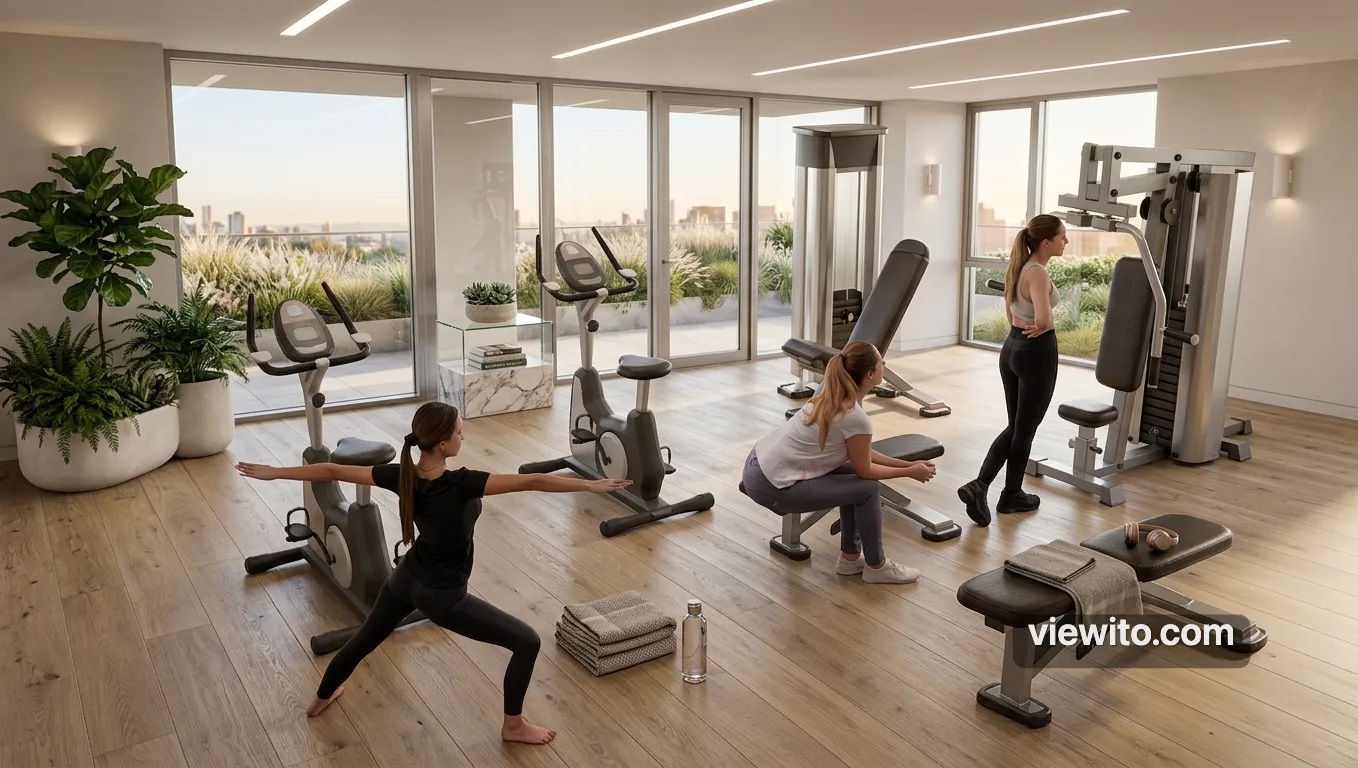
Materials give colour, texture and realism to every surface. In Viewito each element has a role (wall, floor, ceiling, door, window) and a dedicated material, with physical rendering for light.
How it works
Every surface has an architectural role and a PBR (Physically Based Rendering) material that simulates how light interacts with it. Choose from 23 colour finishes, procedural textures (wood, marble, tiles, brick, grass, concrete) or your own uploaded materials. Glass is a physical material with refraction, and the eyedropper copies a colour from the scene to apply elsewhere.
What it's for
It turns a 'box' space into a credible, sellable environment: a good material immediately communicates the finish level of a project.
Usage instructions
Apply materials
- Select a surface (for example a floor).
- Open the materials panel and choose a finish or texture.
- Use the eyedropper to copy a colour already in the scene.
- Apply glass to shop windows or windows.
- Apply a full palette to recolour the whole scene consistently.
Use case
For a premium pavilion you apply an industrial floor to the exhibition area, glass to the stand shop windows and light finishes to the walls. With the eyedropper you keep a consistent palette everywhere. The result looks like a photo, not a model.
Want to try this on your space? Request an Expi4D demo.